Does RGB Lighting Actually Slow Down Your FPS? We Break Down the Myth
September 12, 2026
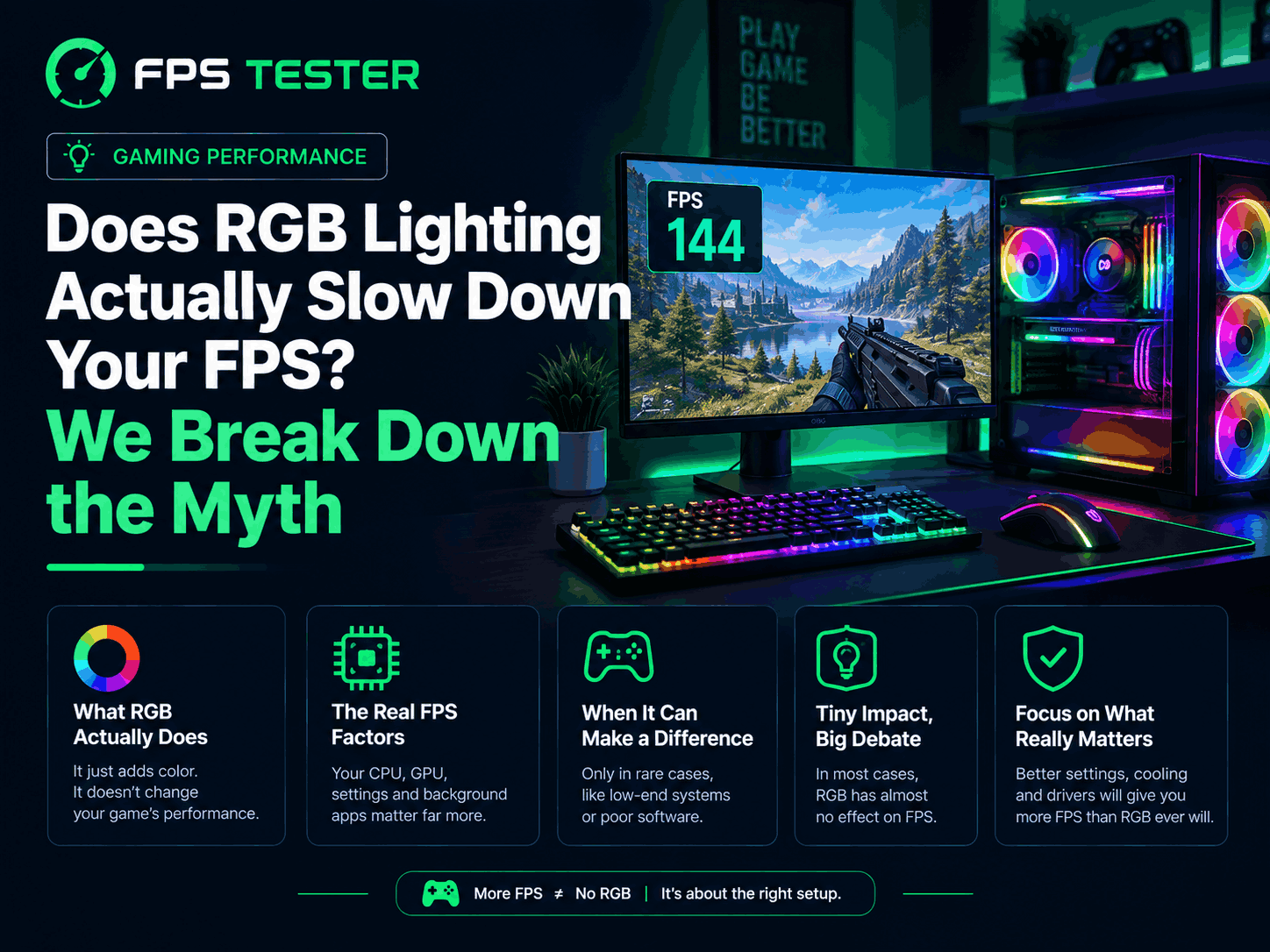
Let's settle this one. I've heard both sides argued way too confidently.
Some people say turning off RGB gave them more FPS. Others say that's nonsense. Lights are lights. They don't touch your frame rate.
So who's right? Kind of both. Just not for the reason most people think.
The short answer
The actual LEDs on your keyboard, mouse, RAM, or fans? They do nothing to your FPS. Nothing at all.
Light doesn't use your GPU. It doesn't use your CPU. A glowing stick of RAM works exactly the same as a plain black one. Same speed. Same everything. The light is just light.
So why do some people notice a small FPS bump after turning RGB off? That's where it gets interesting.
It's not the lights. It's the software
Here's the real reason, and it's simple once you say it out loud.
Your RGB isn't glowing on its own. Something tells it what color to be and when to change. That "something" is a background app, usually one of these:
Corsair iCUE
Razer Synapse
ASUS Aura Sync
MSI Mystic Light
NZXT CAM
These apps run quietly the whole time your PC is on. And like any background app, they use a small bit of your CPU and RAM.
How much do these apps actually use?
Not much, in most cases. Testing shows numbers like this:
Most RGB software uses 0.5% to 3% of your CPU
RAM usage is usually 50 to 200 megabytes
On a fast, modern PC, this is basically nothing
But "basically nothing" isn't the same as "actually nothing" for everyone.
When it can actually matter
A few situations where this stops being just theory:
You're chasing very high FPS. At 200+ FPS, every small thing counts more. Some tests show a 1 to 3 FPS difference here.
You're running more than one RGB app at once. Corsair keyboard, Razer mouse, ASUS motherboard, each with its own app? That's three background programs instead of one.
You're already multitasking a lot. Streaming, Discord, many browser tabs, plus a couple of RGB apps. None of these alone is the problem. It's the pile-up.
You're on an older or budget PC. A weaker CPU feels a small hit more than a strong one does.
The software has bugs. Some RGB apps have had memory leaks or CPU spikes. That's the app's fault, not RGB itself.
The thing most articles miss: tiny stutters, not FPS drops
Here's something even most RGB articles skip.
When RGB software syncs lights across many devices, it keeps sending small signals to your motherboard, GPU, and other parts. This can cause quick little spikes in CPU use, lasting just a few milliseconds.
These spikes are too short to lower your average FPS. But they can sometimes cause a tiny stutter, the kind you feel without knowing why. It's not about the average number. It's about a small, hidden hiccup.
Does more light mean more heat?
Good question. Let's clear it up.
A fully lit RGB setup at max brightness usually adds around 15 to 20 extra watts
Over a year, even running non-stop, that's usually just a few extra dollars on your power bill
This small amount of extra power is nowhere near enough to heat up your PC or cause it to slow down
One more thing worth clearing up: an RGB fan spins based on its motor and blades, not its lights. A plain, non-RGB version of the same fan performs exactly the same. The lights are just decoration.
The mind games are real too
Here's a fun little detail.
Even when RGB does nothing to your actual FPS, a good-looking, well-lit setup can make you feel more excited and confident while playing. Some research backs this up. Your measured performance stays the same, but you feel like you're playing better.
That's not a real performance boost. It's more of a mindset thing. But it explains why some people are so sure RGB "does something," even when a real test shows no difference.
This works the other way too. If someone turns off RGB right before a match, and also closes a bunch of other background apps at the same time, they might actually play better. Then they give the credit to turning off RGB, when it was really everything else they closed.
A simple real example
Picture someone with RGB on a keyboard, mouse, some fans, and RAM, all controlled by three separate apps from three brands.
They switch to one simple app that controls everything instead. Same lights. Same colors. Nothing changes visually.
What does change: background CPU use drops a little, and frame pacing gets a bit more even, fewer of those tiny stutters. Average FPS barely moves, since the GPU was already doing most of the work. But things feel a little smoother.
That's the real lesson here. It's rarely about turning RGB off completely. It's about not running three apps to do a job one app can handle.
So, should you turn off RGB?
Depends on your setup.
If you have a modern, decent PC, run one RGB app, and don't chase 200+ FPS: you won't notice a difference either way.
You might notice a small improvement if:
You're running three or more separate RGB apps
You're on an older or weaker CPU
You're already multitasking heavily while gaming
You're chasing every last frame in a competitive game
How to test this yourself
Don't take anyone's word for it. Test it.
Play the same part of a game a benchmark, or any spot you can repeat
Run our FPS Test with RGB software running normally. Note your FPS.
Fully close your RGB apps (quit them from the system tray, not just close the window)
Play the same spot again and compare
Do it two or three times each way. Small changes happen naturally between runs, so one test alone isn't enough.
Keep the lights, cut the overhead
Love your RGB and don't want to give it up? A few easy habits help:
Use one app for everything instead of separate apps per brand. Tools like OpenRGB or SignalRGB can often control multiple brands at once.
Pick a steady color instead of constantly animated effects, which use a bit more resources.
Keep your RGB software updated. Bugs do get fixed over time.
Close RGB apps before a competitive match if you want every last frame, and turn them back on for casual play.
Frequently asked questions
Does RGB lighting use more electricity in a way that hurts performance? No. The extra power is small, usually under 20 watts even at full brightness. It has no real effect on your GPU or CPU.
Will switching to plain RAM instead of RGB RAM make my PC faster? No. RGB RAM works exactly the same as plain RAM with the same specs. The lights don't affect speed at all.
Is it the hardware or the software causing any slowdown? Always the software. The lights themselves do nothing. Any small slowdown comes from the app managing them.
Should I worry about this on a high-end gaming PC? Not really. A strong modern CPU has plenty of room to run one RGB app with no noticeable effect.
Is OpenRGB lighter than something like iCUE? Often, yes. It's built to be simple and light, not packed with extra features. Results can vary, but it's worth trying if you want less background load.
The simple version
RGB lights have zero effect on FPS
Any real effect comes from the software, not the lights
That software usually uses under 3% CPU, which most PCs won't notice
It can matter a little with multiple RGB apps, weaker PCs, or chasing very high FPS
The clearest effect isn't average FPS. It's small, hidden stutters from lighting sync
So no, RGB isn't secretly stealing your frames. But if you're chasing every last one, closing extra background apps before a match is still a good habit.